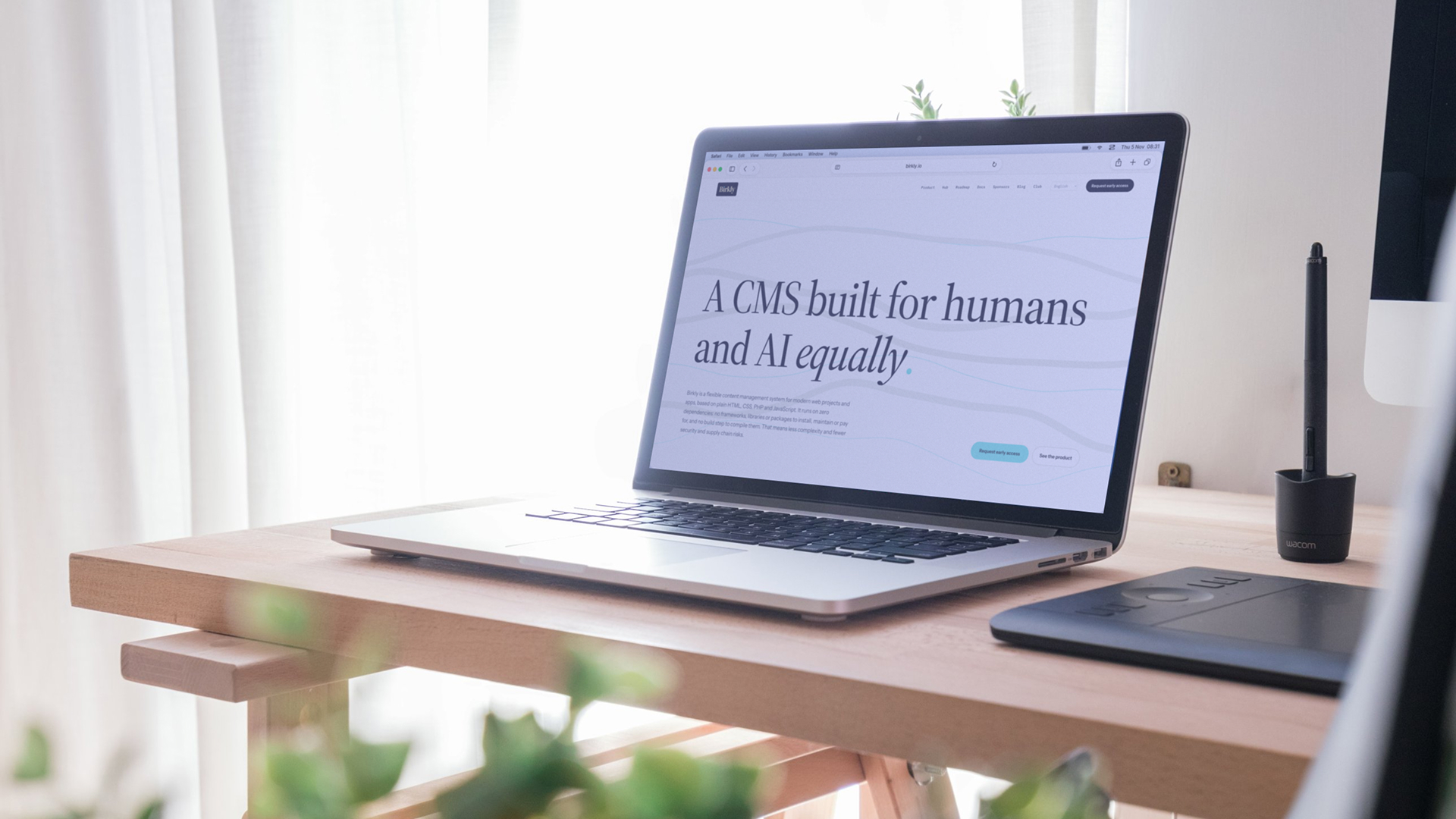
Birkly is the content management system every site we build runs on, this one included. It stores content as JSON files by default, with an optional database, runs on ordinary PHP hosting with no runtime dependencies, and treats every AI as a user with its own role and permissions. It is in alpha today and will be free and open source at release.
- Client
- Our own product
- Year
- Since 2025
- Services
- Birkly & PluginsWeb Development
- Built with
- Birkly
- Website
- Visit site ↗
The brief
Simple, flexible and fair
Birkly started out of frustration. No content management system we tried offered the combination we were looking for: simple enough to understand completely, flexible enough for any kind of website, and fair to the people who build and run sites with it.
Most systems ask a lot in return for their convenience: a database server, a long chain of dependencies that breaks with the next update, plugins nobody maintains any more. Every one of those pieces adds complexity, and every package pulled in from somewhere else is a security risk and a link in a supply chain you do not control.
So we chose a different foundation: proven, simple web technologies and no runtime dependencies at all. No Composer, no npm, no build step. Less code to trust, less to break and less to update. An architecture meant to still run in ten years, on ordinary PHP hosting.
Architecture
Content you can open in a text editor
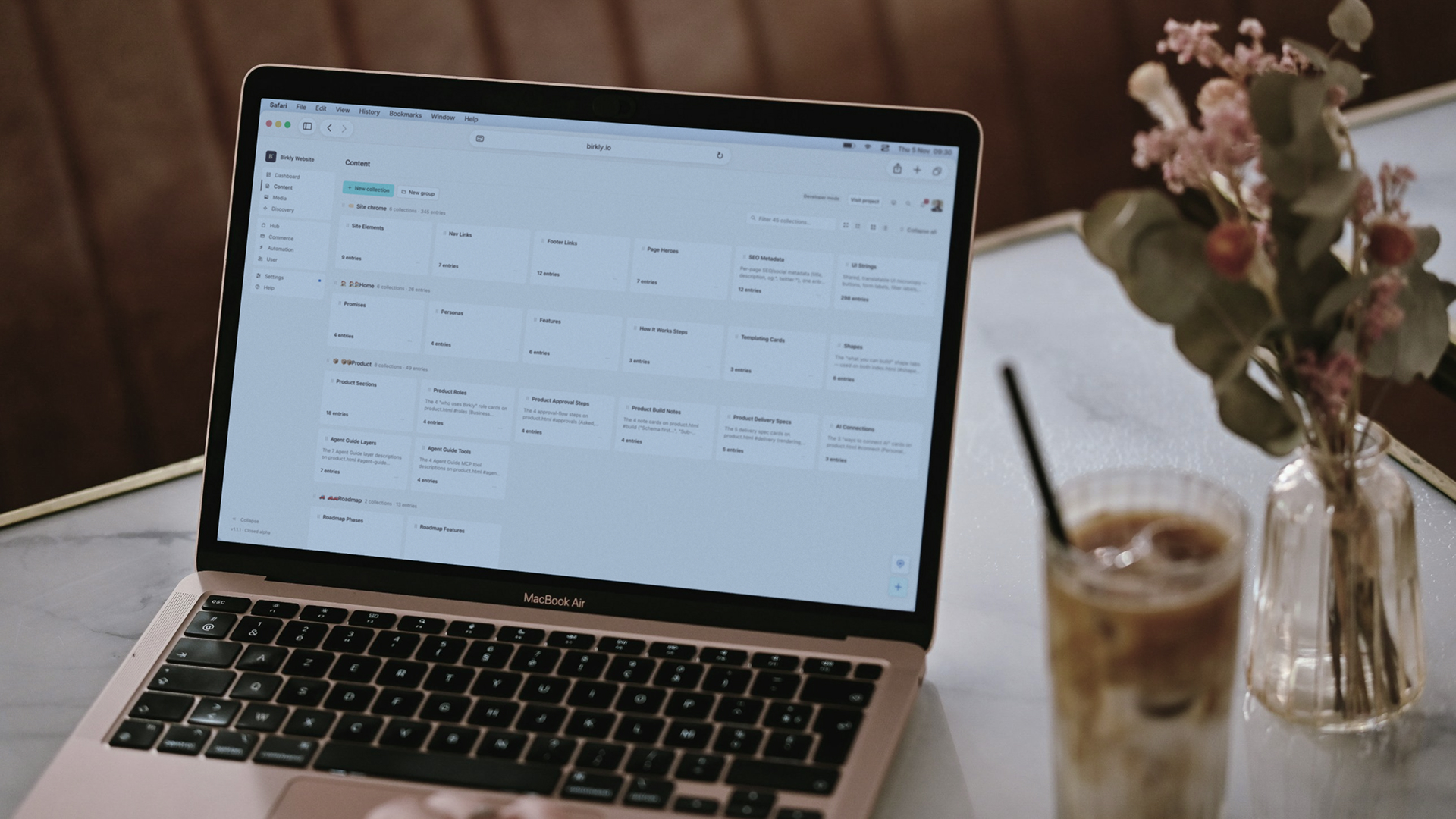
By default, Birkly keeps every collection, entry and setting as JSON on disk. A blog post is a file; its comments are files in a folder next to it. Nothing has to be provisioned, migrated or restored: a backup is a copy of a folder, and moving a site means moving that folder. Projects that would rather use a database can switch one on instead.
On top of the storage sits a structured content model:
- Collections describe what repeats, like cases, products or team members, with typed fields: text, markdown, images, galleries, tags, relations, maps and more.
- Sub-collections hold what belongs to a single entry, such as the chapters of this case study or the sections of a page.
- Languages live side by side inside the same entry, so a translation never drifts into a separate copy.
The site itself can live in two places. Its templates, styles and scripts can be hosted inside Birkly, in a project folder that connects to a Git repository, so changes can be pushed, pulled and reviewed like any other code. Or the site can live anywhere else, on its own server or in its own stack, and connect to Birkly securely through the client script or the API.
The admin
Made for the people who write
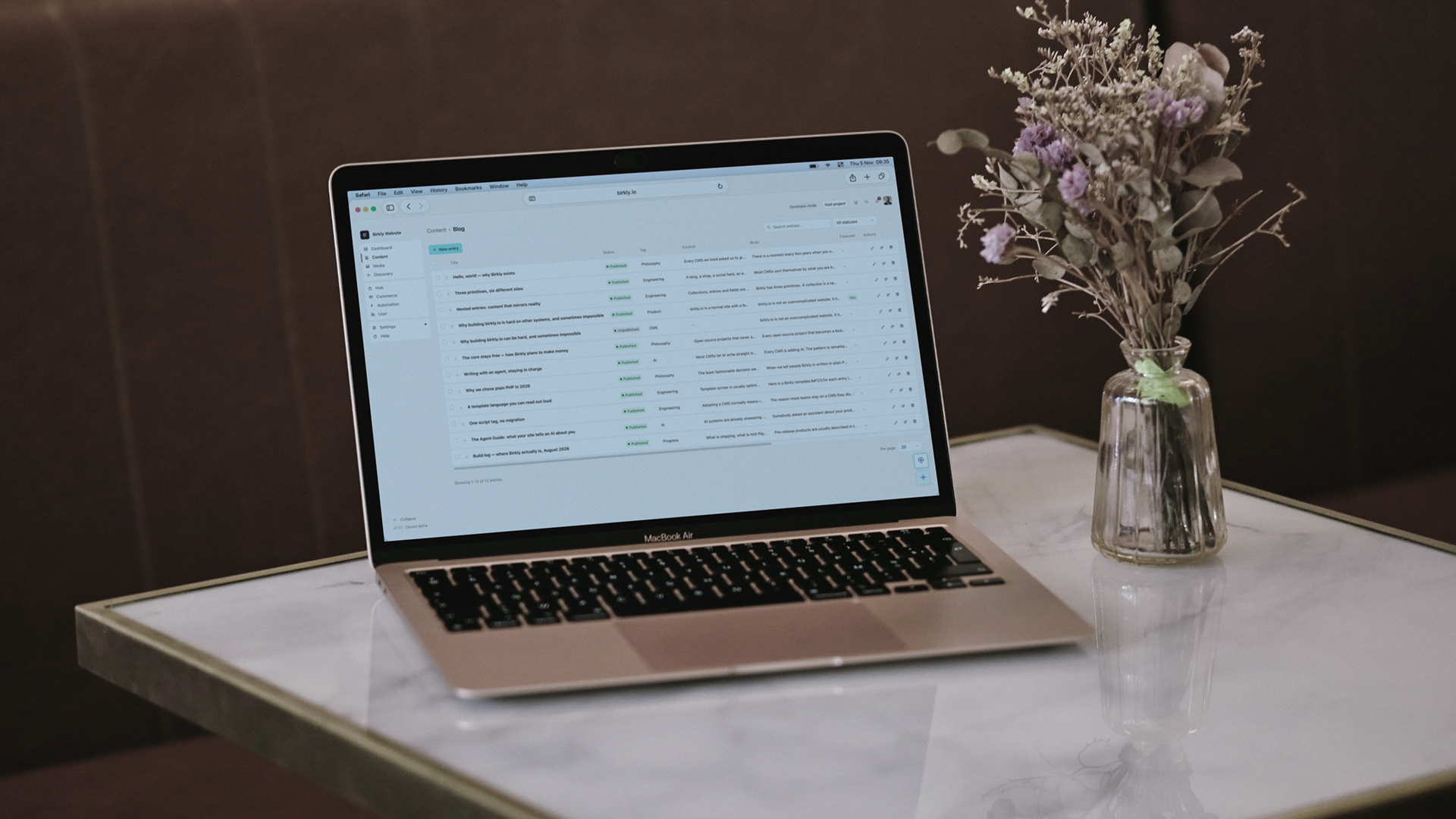
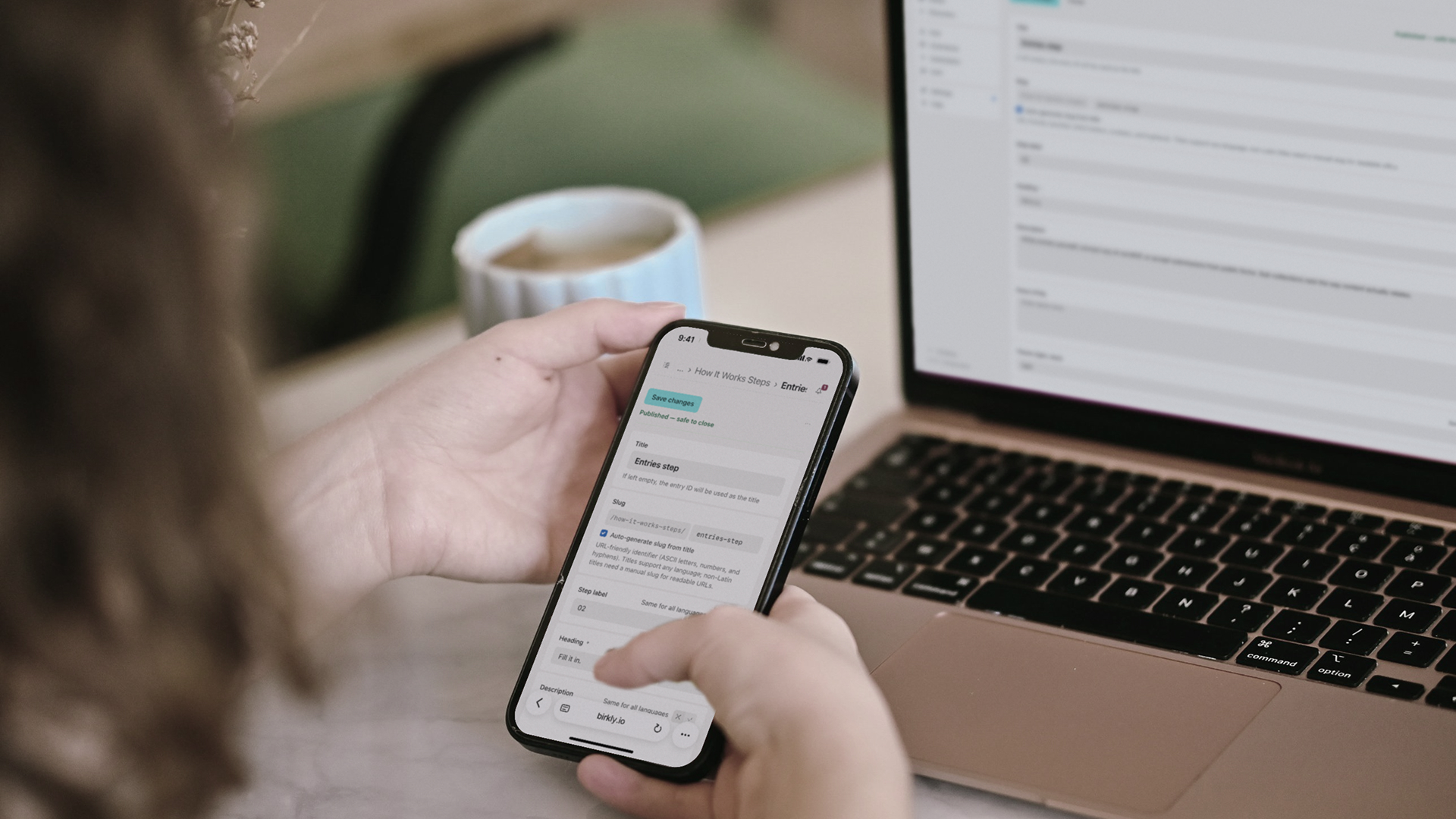
Editors never see JSON. They see a calm web admin: collections on one side, entries in a list, and a form built from the schema. A case study asks for a title, an intro and its chapters, and nothing else.
The everyday work is covered without plugins. The media library has folders, alt text and focal points, so a photo is cropped around its subject on every screen size. Each save is kept as a version that can be compared and restored. Roles decide who may publish, and an optional review step lets someone check a change before it goes live.
We spent most of our design time here, and most of it removing things. A CMS is used by people who would rather be doing something else. The fewer decisions it asks of them, the better the website ends up.
Templates
Templates that read like sentences
A Birkly site is ordinary HTML with a small template language inside it. Its loops and lookups read close to plain English: for each entry in 'cases', ordered by order, or from 'site elements' get entry 'logo'.
Pages are rendered on the server, so visitors and search engines receive finished HTML, and a small client script keeps forms and live content working in the browser. There is no theme layer to fight and no framework to learn. If you can write HTML, you can build a Birkly site, and the markup stays exactly as you wrote it.
That also makes Birkly a good fit for existing designs. This website started as a set of hand-built static pages; moving it onto Birkly meant replacing the hard-coded text with template tags, not rebuilding the pages.
AI
Built for AI, with the brakes on
Birkly is designed for a time when part of the work on a website is done by AI, and it lets you bring your own in more than one way. Add an API key for OpenAI, Anthropic, Google, OpenRouter, a local model through Ollama or any custom endpoint, and work with it in Birkly's own AI chat, with no extra subscription. Or connect through MCP and bring Birkly's tools into the AI chats you already use, like Claude, ChatGPT or Cursor, where the assistant can read the content model, write entries, upload media and edit templates.
Either way, every AI is a real user in Birkly, with its own role and permissions, so the admin always decides exactly what it can and cannot do. Its actions can also wait in an approval queue until a human signs them off. The assistant is given playbooks that explain how Birkly works, so it does not have to guess. This website was moved onto Birkly that way, one approved step at a time.
The same thinking points outwards too. An optional Agent Guide publishes a clear, structured description of a site for AI search and assistants, and WebMCP can offer a visitor's browser agent a few safe actions, like sending the contact form, instead of leaving it to scrape the page.
Plugins
A small core, and plugins when you need them
Everything a typical website needs is in the core. The rest comes from the Birkly Hub as plugins you install only when you need them. The base plugins are developed by Birkly & Other Things:
- Commerce for selling products, services and subscriptions
- Events for bookings and calendars (coming soon)
- User Management for member areas, sign-ins and communities
- Automation for workflows and emails that run when content changes
Together with the core, they cover nearly any kind of web project or app, from a portfolio or a shop to a booking site or a member community like the Birkly Club. Plugins follow the same rule as the core, with no runtime dependencies, and they ask for their permissions explicitly, so installing one never quietly changes what the rest of the system can do.
Birkly is still in alpha, with early access opening in waves. It will be free and open source at release, and its documentation describes the system as it ships today, not as a roadmap.
The result
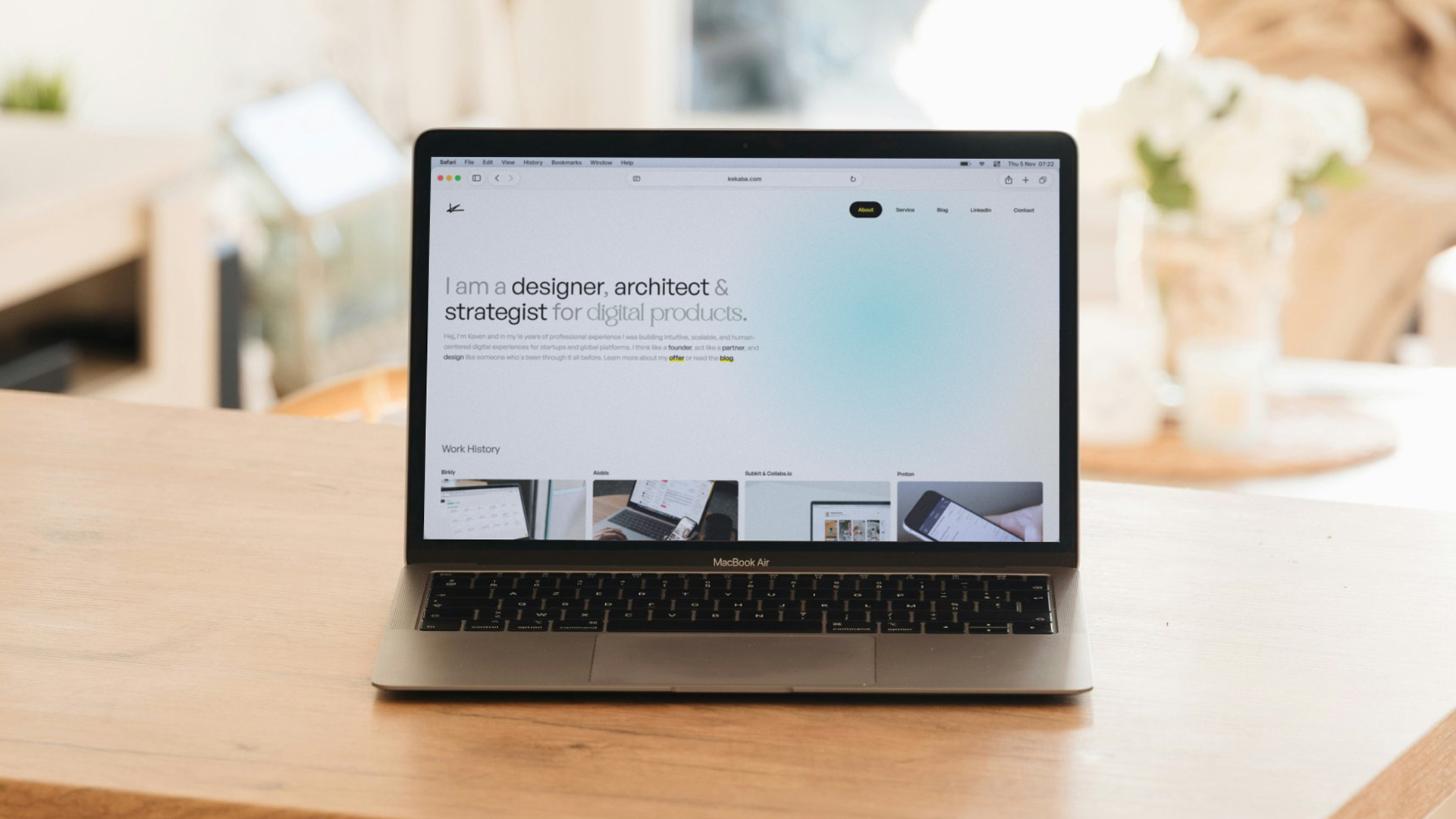
Birkly runs this website, birkly.io and kekaba.com. It is still early, the system is in alpha, but the foundation is set: quick to learn, hosted anywhere PHP runs, and understood down to the last file. And because it will be open source at release, nobody will be locked in, not even to us.